NinjaTrader Strategy Builder - Almost a Visual Builder

When I heard about NinjaTrader Strategy Builder, the promises sounded great: a visual bot builder, no code, a huge community, a professional tool. I decided to figure out if it actually works or if it’s just nice packaging for an expensive product. Spoiler: meh.
First Impression: Where Are the Flowcharts?
NinjaTrader is an American platform for futures. E-mini S&P 500, Nasdaq, oil, gold – everything serious, everything professional. They have a Strategy Builder – a “visual” constructor.
Except it’s only visual in a very loose sense.
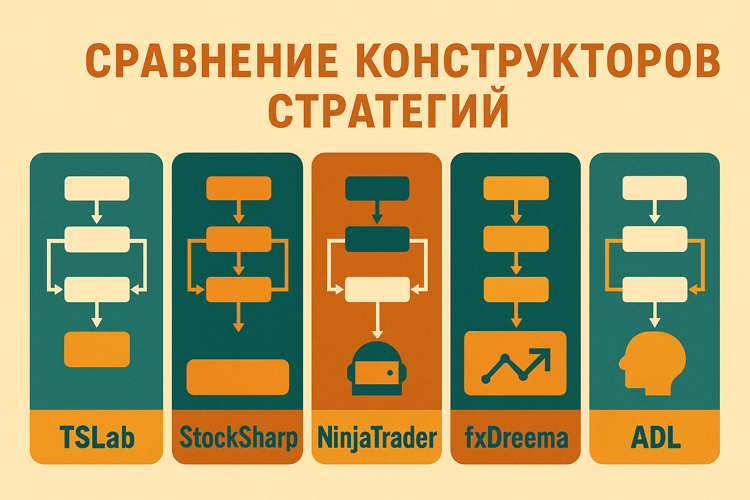
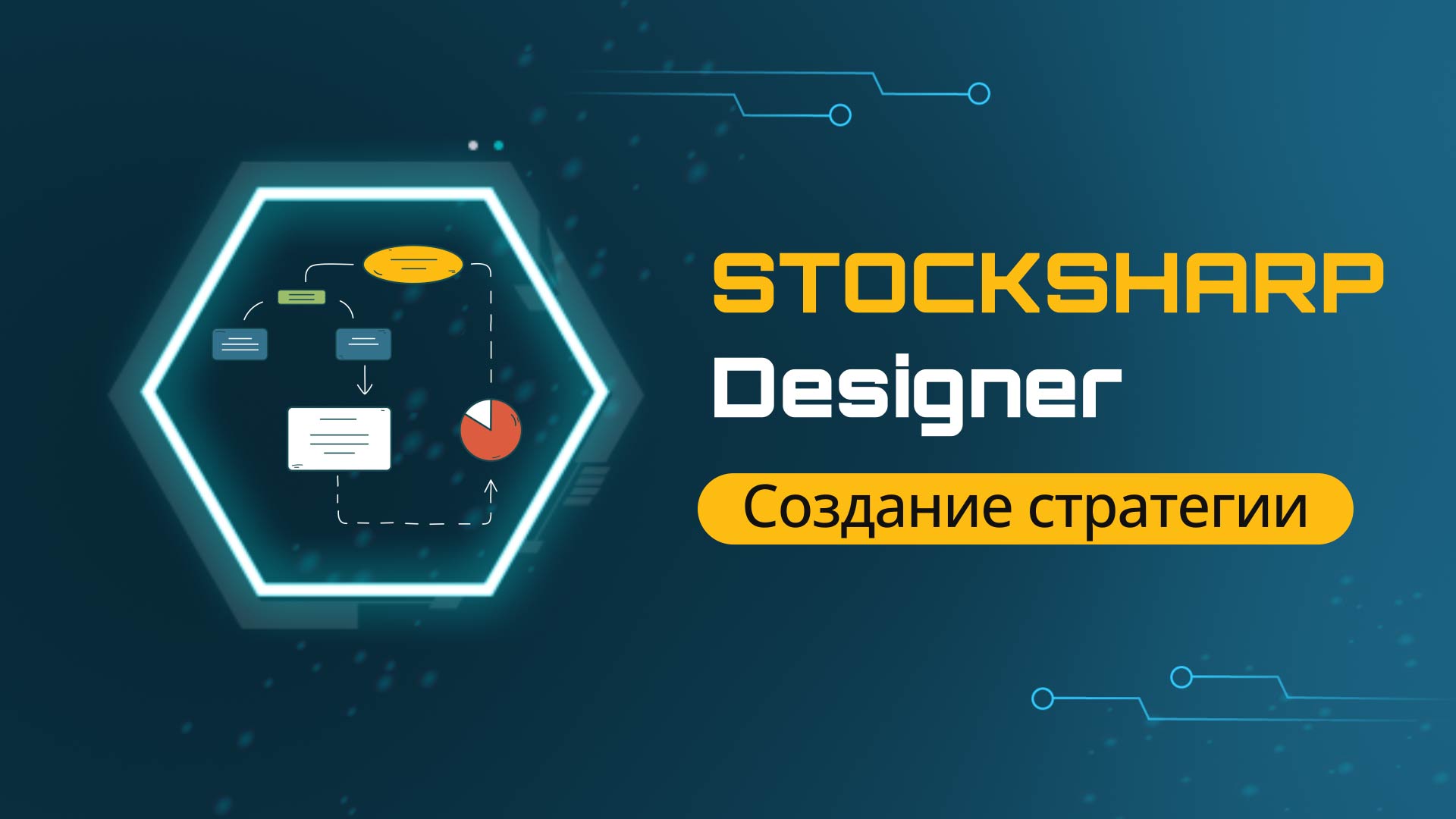
If you’ve seen TSLab or StockSharp Designer, those have actual visual flowcharts: you drag blocks, connect them with arrows, and get a diagram.
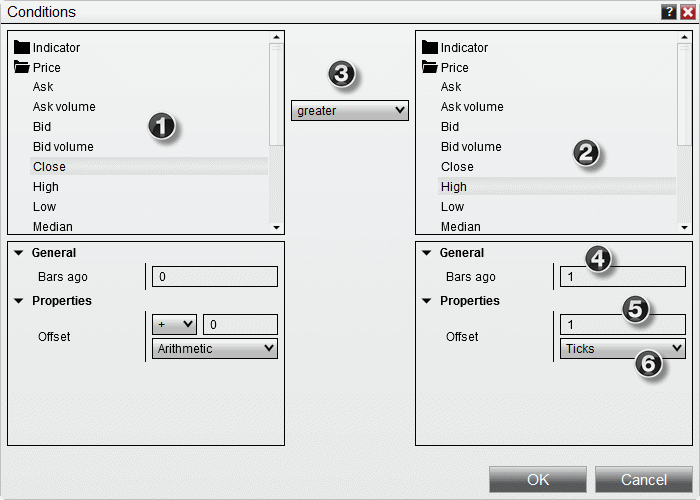
NinjaTrader is different. The interface is like Excel: a table with columns and rows. You create conditions as filters:
- Row 1: Indicator SMA(50) > SMA(200)
- Row 2: RSI < 30
- Action: Buy
No blocks. No arrows. Just a table with conditions.
Honestly? For the first 10 minutes I tried to find where to enable the “normal” visual mode. Turns out – this IS the visual mode.
But there’s a nuance. NinjaTrader is built for international markets. The Russian MOEX? Forget it. You can connect through workarounds and FIX API, but it’s so painful that you’d be better off choosing a different tool.
What They Promise vs What You Get
In the marketing everything sounds amazing:
Visual builder! Backtesting! Optimization! Indicator library! Broker integration! NinjaScript in C#!
I downloaded the demo version. Tried to access Strategy Builder. First surprise: the free version doesn’t give access to the builder. You need to write to support and ask for a “simulation license.” Okay, I wrote. Got it the next day.
Started building a simple strategy: crossover of two moving averages.
The table interface turned out to be fairly logical. Added a condition, chose an indicator, set parameters. Built a strategy in 20 minutes. Ran a backtest on E-mini S&P 500 data.
It works. Charts, statistics, win rate – all there.
But then I tried to do something a bit more complex. Add a volume filter. Check the trading session time. Add nested AND/OR conditions.
And that’s where the confusion started. In the table format it’s hard to follow the logic: which condition is linked to which, where’s the AND, where’s the OR. In TSLab/Designer this is visually clear on the diagram – blocks, arrows, you see the whole structure. Here – you have to read the table like code.
First conclusion: NinjaTrader’s table interface works for simple strategies. But it’s less intuitive than flowcharts in its Russian counterparts. For complex strategies – you’ll end up switching to NinjaScript (C# code) anyway.
How Much Does the Pleasure Cost
This is where it gets interesting.
Free, you can:
- View charts
- Run backtests
- Build strategies in the builder (but only for testing!)
- Simulate trading
But to run a bot with real money:
- Monthly: ~$100/month (~$1,200/year)
- Lifetime: ~$1,500 one-time
I stared at those numbers for a while. $1,500. For a trading platform. That only works with international markets. Where documentation is only in English. Where support responds in a day.
Reality check: For $1,500 you could hire a decent programmer who’ll write a strategy in Python or C# tailored to your specific needs. With source code. With documentation. Without platform lock-in.
Or for the same money you could buy a yearly data feed subscription, rent a VPS, and still have money left over.
Trying to Connect Russian Markets
I didn’t give up. Googled “NinjaTrader MOEX.” Found a few forum threads. People trying to connect via FIX API. Some writing makeshift connectors.
Tried it myself.
NinjaTrader’s documentation for custom connectors is painful. You need to write in C#, understand their architecture, test, debug. In the end I realized: it’s easier to write a bot from scratch than to try integrating a Russian broker into NinjaTrader.
The question: why have a visual builder if connecting to your broker still requires coding?
Second conclusion: NinjaTrader is about American futures. Period. If you trade MOEX – forget about this platform.
What Actually Works and What Doesn’t
Works:
Simple indicator strategies come together quickly. Moving average crossover in 15 minutes. Backtesting on historical data – also fine. Nice charts, detailed statistics.
Doesn’t work (or works painfully):
-
Complex strategies. As soon as you add more than 5-7 conditions, the table interface becomes unreadable. Unlike flowcharts (TSLab/Designer) where you can see the visual structure with blocks and connections, here you have to read through the table. Unreadable. Un-debuggable. Switch to code.
-
Russian brokers. Can be connected. Through workarounds, FIX API, and several days of suffering. Question: why?
-
Documentation. All in English. Forums – in English. Examples – in English. If you don’t read English, it will be very frustrating.
-
Support. Responds slowly. I wrote about access to a simulation license – got a reply after 18 hours. On forums there’s often complete silence.
The feeling: The platform is decent, but it’s built for a narrow niche – American futures + English-speaking audience. If you’re not in that niche – why pay $1,500?
Honest Verdict: Is It Worth It?
I spent a week testing NinjaTrader. Built several strategies, ran backtests, tried connecting a Russian broker, read forums.
My conclusion: This is not a platform for Russian traders.
If you only trade MOEX – don’t even look at NinjaTrader. Connection through workarounds, English-only support, $1,500 for a license. Easier to use a free tool that supports Russian brokers out of the box.
If you trade American futures – NinjaTrader makes sense. But the question remains: do you need a visual builder for $1,500? Or is it simpler to hire a programmer who’ll write a strategy tailored to your needs?
The funniest part: Strategy Builder generates C# code. That is, sooner or later you’ll arrive at programming anyway. The visual interface is just an illusion of simplicity.
Alternative: For the same $1,500 you could:
- Hire a freelance programmer
- Buy a yearly data feed
- Rent a VPS for a year
- And still have money left
Paying $1,500 for a nice interface and English-speaking support? Not great.
Pitfalls (That I Found)
One-click over-optimization.
Vendor lock-in.
The strategy lives in NinjaTrader. Want to move it to another system – rewrite from scratch. Yes, you can export to NinjaScript (C#), but the code is specific to their architecture.
The language barrier is a real problem.
I read English. But when I tried to figure out custom indicators, I spent three hours in the documentation. If you don’t read English – multiply the time by three.
Forums are also in English. Support replies in English. Code examples have English comments. This isn’t a platform for the Russian market; it’s an American product for the American trader.
Final Thoughts
I started with high expectations. NinjaTrader positions itself as a professional tool. The marketing is all beautiful: visual builder, thousands of users, huge community.
What I actually got:
- A “visual” builder in table form (not flowcharts like TSLab/Designer)
- A platform for $1,500 that doesn’t support the Russian market
- English-only documentation and slow support
- The need to learn C# if you want anything more complex than crossing two averages
Honestly: If you trade American futures, read English, and are willing to pay – NinjaTrader is a decent choice. The platform is mature, bugs are few, functionality is rich.
But if you’re a Russian trader working with MOEX – it’s money down the drain. For the same $1,500 you can build a full-fledged algo trading stack: programmer + data feed + VPS. With source code. Without platform lock-in.
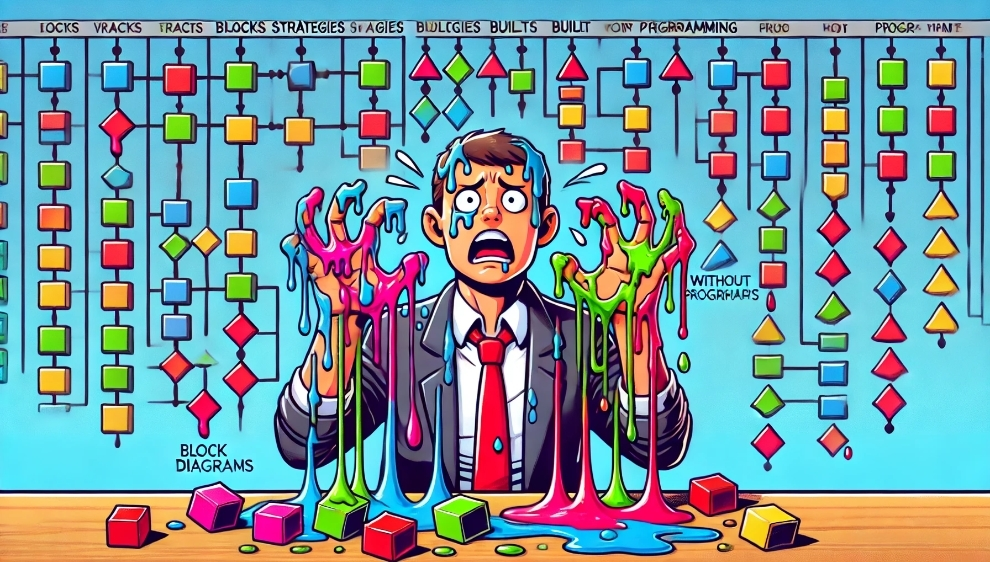
Visual builders are an illusion. Sooner or later you’ll come to code anyway. NinjaTrader generates NinjaScript (C#), but it’s just a delayed transition to programming. The only question is how much you’re willing to pay for that delay.
I didn’t buy the license. Instead, I wrote a strategy in Python over the weekend. For free. With full control. Without vendor lock-in.
Useful links:
Share this article:
Related Posts




























Discussion
Join the discussion in our Telegram chat!