Alpaca Launches MCP Server with AI Support: Detailed Video Guide and Open Source Code
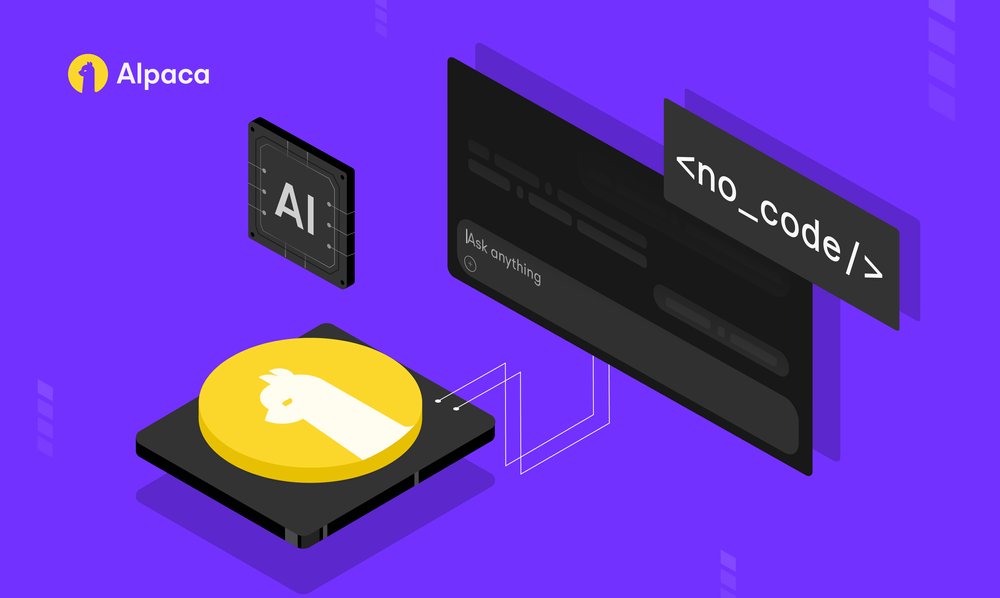
In late July, Alpaca introduced an official MCP server for its Trading API and immediately published a five-minute video tutorial on how to deploy it locally and connect it to Claude AI. According to the developers, the new server should simplify building trading strategies in natural language and shorten the gap between idea and trade execution.
What the Video Shows
The author of the video “How to Set Up Alpaca MCP Server to Trade with Claude AI” demonstrates a five-step setup:
- Cloning the repository and creating a virtual environment
- Configuring environment variables with Alpaca API keys
- Starting the server (stdio or HTTP transport)
- Connecting to Claude Desktop via
mcp.json - First trading requests in natural language
This way, even without deep Python knowledge, you can quickly test trading through an AI assistant.
Key Features of the MCP Server
- Market data: real-time quotes, historical bars, options and Greeks
- Account management: balance, buying power, account status
- Positions and orders: opening, liquidation, trade history
- Options: contract search, multi-leg strategies
- Corporate actions: earnings calendar, splits, dividends
- Watchlist and asset search
The full list of features is available in the repository README.
GitHub Repository
The project is open-sourced under the MIT license, has already gathered 170+ stars and ~50 forks, and is actively receiving community pull requests. The latest update is dated July 31, 2025.
git clone https://github.com/alpacahq/alpaca-mcp-server.git
cd alpaca-mcp-server
python -m venv venv && source venv/bin/activate
pip install -r requirements.txt
python alpaca_mcp_server.py
Why This Matters
The MCP server turns the Alpaca API into a “sandbox” for AI models: you can now hedge positions, build watchlists, and place limit orders simply by formulating commands in natural language. For traders, this means:
- Faster strategy prototyping without extra code
- Integration with Claude AI, VS Code, Cursor, and other development tools
- Ability to connect multiple accounts (paper and live) through environment variables
Alpaca continues its course toward democratizing algorithmic trading, and the community is already adding support for new languages and transports. If you’ve been wanting to try AI-powered trading, now is a great time to start.
Links: – Video guide on YouTube: https://www.youtube.com/watch?v=W9KkdTZEvGM – GitHub repository: https://github.com/alpacahq/alpaca-mcp-server
Share this article:
Related Posts























Discussion
Join the discussion in our Telegram chat!